

Delete your organization
You can delete an organization if you are the primary owner.
Warning
Deleting an organization will permanently delete all of your projects, story maps, cards, and all other associated data. This action cannot be undone.
How do I delete my organization?
To do this, head to your organization settings, scroll down to the Danger zone section at the bottom and click Delete organization. This control is disabled for anyone who is not a primary owner.
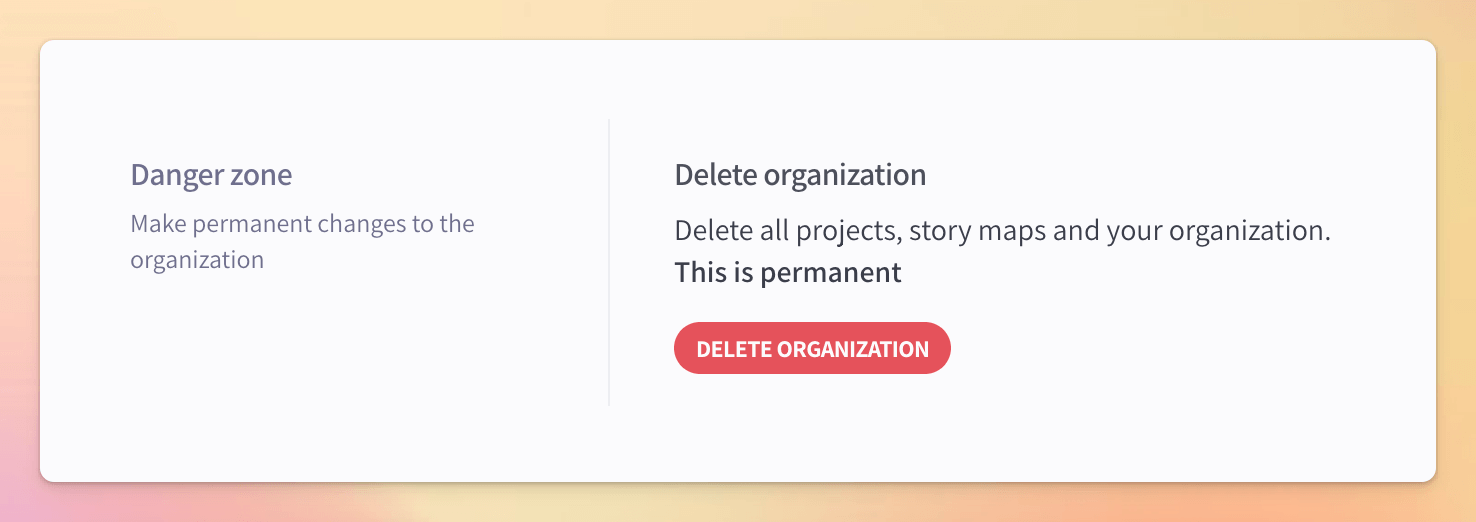
You will need to verify that you understand the consequences of deleting your organization and type the exact URL of your organization into the confirmation modal.
Configure your path
Your organization path is the value that makes up the sub-domain for your organization URL. This path is unique to your organization and is used to sign in and access your Avion organization
Story map
The story map is where you can collaborate to create a product backlog focused on user value.